Introduction
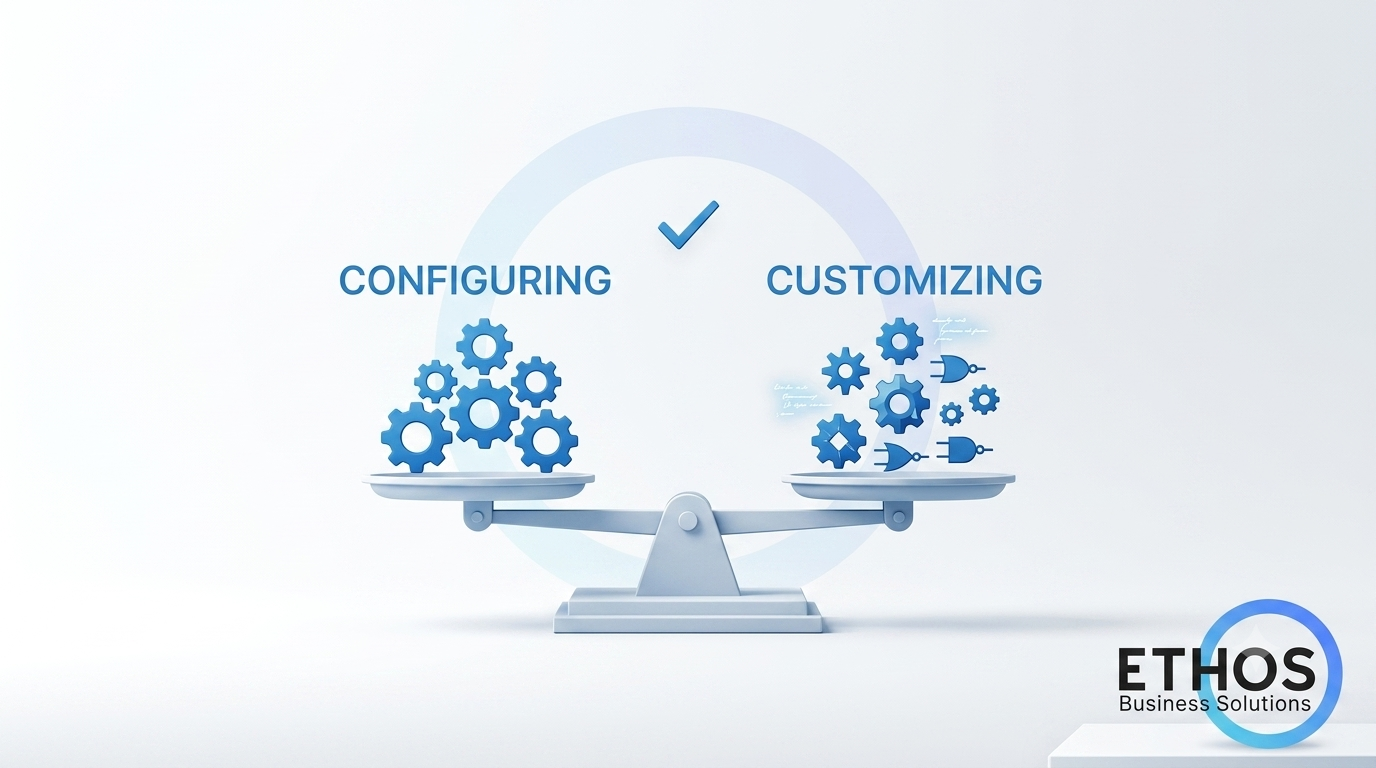
One of the most consequential decisions in any NetSuite environment is not which module to buy or which workflow to build. It is knowing when to use native functionality and when to build something custom.
Get it wrong in either direction and the consequences compound over time. Over-customize and you inherit a fragile system that is difficult to maintain, upgrade, and explain. Under-customize and your team ends up working around the system instead of inside it.
The right answer is not always obvious, but there is a framework for thinking through it clearly.
The Cost of Over Customization
Custom scripts, records, and workflows are powerful tools. But without disciplined governance, they create what many NetSuite practitioners call “configuration debt”: structural decisions that limit scalability and introduce risk over time.
Common symptoms of over customization include:
- Scripts written for one purpose that now affect unrelated transactions
- Custom records that duplicate functionality already available natively
- Workflows layered on top of outdated workflows
- Fear of making changes because no one is sure what will break
- Upgrade cycles that require extensive testing and remediation
When customization accumulates faster than it is governed, the system becomes harder to understand and harder to trust.
The Cost of Under Customization
The opposite problem is equally damaging. When teams are reluctant to customize, they force users to work around native limitations rather than solving for them directly.
Signs that under customization is hurting your operation:
- Users maintain parallel spreadsheets or shadow systems outside NetSuite
- Processes require manual steps that could be automated
- Reporting requires manual assembly after the fact
- Unique business processes are forced into generic native flows that do not fit
When the system does not reflect how the business actually operates, user adoption suffers and the ERP investment loses value.
A Framework for Deciding
Before building anything custom, it is worth asking five questions:
- Does native NetSuite already support this? Many teams reach for customization without fully exploring standard functionality. SuiteFlow, saved searches, custom fields, and role based forms often solve more than teams realize.
- Is this a business requirement or a preference? Genuine business requirements such as compliance obligations, industry-specific processes, and integration needs justify customization. Stylistic preferences rarely do.
- Who will maintain this? Custom scripts and complex workflows require ongoing ownership. If no internal resource exists to maintain the logic, the risk profile changes significantly.
- Will this scale? A customization that works at current volume may create performance issues or governance gaps as the business grows. Design for where you are going, not just where you are.
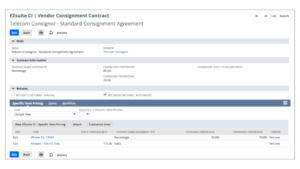
- Is there a purpose built solution? Before building from scratch, evaluate whether a proven toolset already addresses the need. Solutions like EZsuite are purpose built applications for common NetSuite gaps and come with the governance structure already in place.
Where Native NetSuite Usually Wins
Standard NetSuite functionality is well suited for:
- Approval routing for standard transaction types
- Role based dashboards and KPI reporting
- Multi-subsidiary and multi-currency management
- Core financial segmentation with departments, classes, and locations
- Saved searches for operational reporting and exception flagging
When native tools are sufficient, using them keeps the system cleaner, easier to upgrade, and more accessible to future administrators and partners.
Where Customization Earns Its Place
There are scenarios where native functionality genuinely falls short and customization delivers meaningful value:
- Industry-specific workflows that do not map to standard transaction types such as reverse logistics, refurbishment, and consignment
- Complex integrations with third-party systems that require transformation logic
- Advanced costing, revenue recognition, or margin tracking that goes beyond standard modules
- Partner or customer facing portals requiring controlled data access
- High volume serialized operations requiring lifecycle tracking across multiple stages
In these cases, thoughtful customization built with governance and documentation creates competitive advantage. The key word is thoughtful.
Conclusion
The configure vs. customize question is not a one-time decision. It is an ongoing discipline. As your business evolves, the right balance shifts. What was unnecessary customization at go-live may become essential at scale. What felt like a required workaround may now have a native solution.
The organizations that manage this well are the ones that build in regular reassessment, reviewing their customization landscape with the same intentionality they apply to their processes.
At Ethos Business Solutions, we help clients evaluate their current configuration, identify where customization is adding value versus creating risk, and build a roadmap for refinement. Whether you are early in your NetSuite journey or several years post-implementation, getting this balance right is one of the highest-leverage investments you can make.
Not sure where your NetSuite instance stands? Contact Ethos Business Solutions for a NetSuite Health Check or customization review tailored to your environment.